Confirm that the commerce order was paid through the PayPal transaction you are checking. Then verify the tracking number, carrier value, and shipment status submitted to PayPal. A missing transaction match, unsupported carrier value, incomplete fulfillment, or rejected request can stop an update. PalSync records these states so the merchant can correct the source or review the exception.
Trace the update from source to destination
- 01
Confirm the payment path
Verify that the order used PayPal and that the transaction identifier belongs to the same order.
- 02
Inspect the fulfillment
Check that a physical fulfillment contains a non-placeholder tracking number and carrier.
- 03
Normalize the carrier
Map store-specific or regional carrier names to a PayPal-supported value when required.
- 04
Read the sync result
Use the API response or PalSync exception state instead of assuming an update succeeded.
- 05
Correct once and verify
Fix the authoritative source, retry through the supported workflow, and preserve the final response.
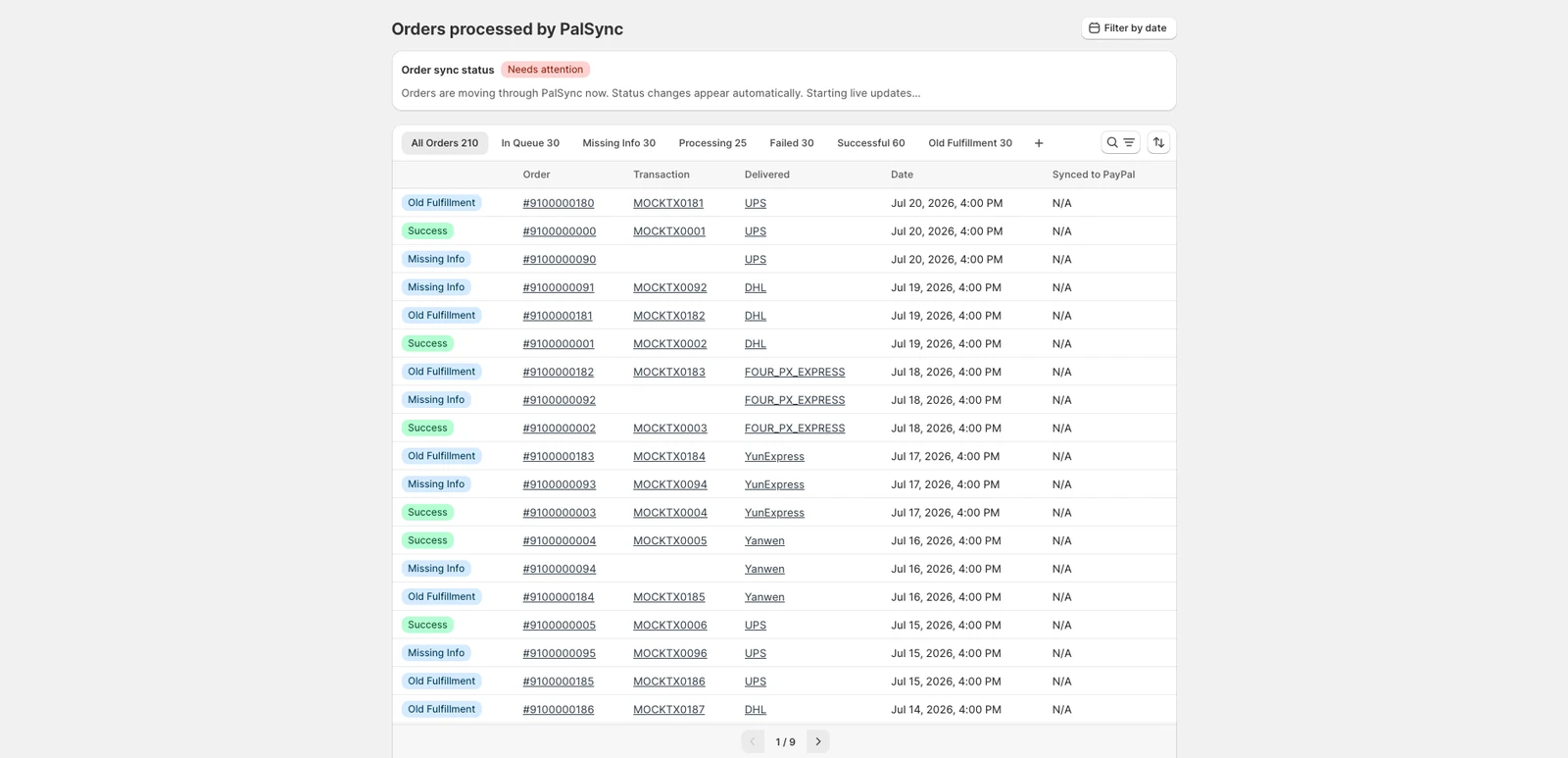
Troubleshooting record
- Commerce order, fulfillment, and payment identifiers
- PayPal transaction identifier
- Original and normalized carrier values
- Tracking number and shipment status
- Attempt timestamps, response codes, and final state
Questions merchants ask next
Should I add the same tracking number repeatedly?
No. First determine why the existing update is missing or rejected. Repeated submissions can make the operational record harder to understand.
Can a carrier-name mismatch stop an update?
It can. Store carrier labels and PayPal carrier values may differ. A mapping layer should preserve both the original value and the value sent to PayPal.
Does a successful update guarantee a hold release?
No. A successful tracking update establishes the shipment record. PayPal controls eligibility, review, and fund-availability decisions.
Official sources
These sources support policy and technical statements.
Merchant-language research
These discussions identify questions and operational pain; they are not policy authority.