
Real-time sync
Process new fulfillments automatically and record every result.
Automatically send tracking numbers and carriers from fulfilled Shopify orders to matching PayPal transactions. Find missing details and retry eligible orders.
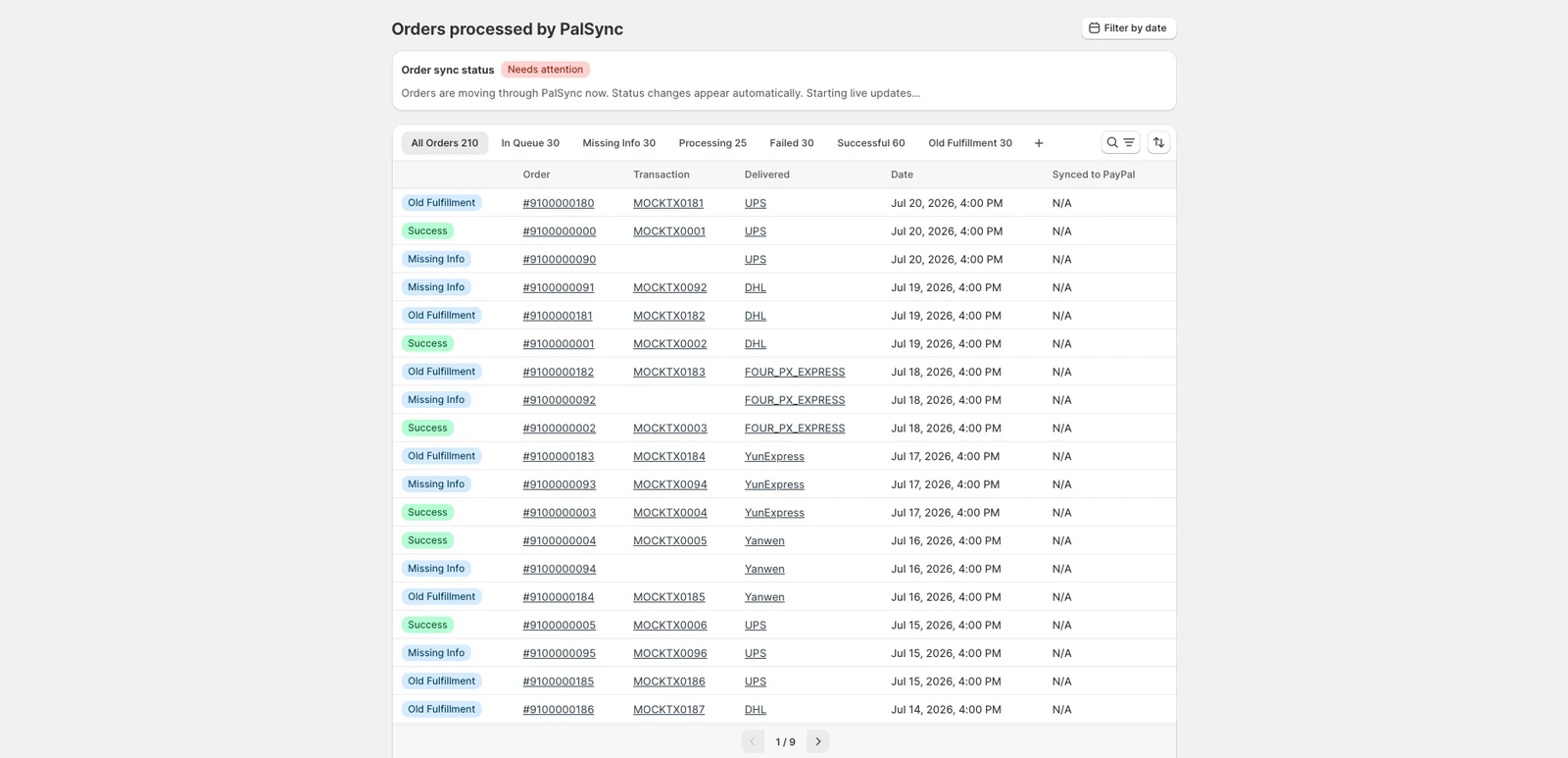
A shipping label in Shopify is not proof that PayPal received the tracking number. Check the result for the matching payment in PalSync.
Process new fulfillments automatically and record every result.
Back-sync eligible orders from the previous 365 days.
See failed transactions, invalid tracking, and carrier mismatches.
Add the carrier and tracking number to the Shopify fulfillment.
PalSync identifies the PayPal transaction associated with that order.
A supported carrier and tracking number are sent to PayPal. The order shows the result.
If the match or carrier is missing, check the payment and courier mapping before retrying.
Start with a fulfilled PayPal order. Use the sync status to check what reached PayPal.
Get the app from the Shopify App Store or check pricing by order volume.
Install PalSync on Shopify