PayPal supports adding and updating shipment tracking, including a tracking number, shipment status, and carrier context. PalSync’s current Shopify workflow is designed to move those fulfillment facts into the matching PayPal transaction and record whether the sync succeeded. Automation removes repetitive entry; it does not guarantee a hold release or another PayPal decision.
A five-stage tracking workflow
- 01
Capture fulfillment
Read the fulfilled order, tracking number, carrier, and fulfillment timestamp.
- 02
Match payment
Connect the Shopify order to the correct PayPal transaction instead of relying on manual lookup.
- 03
Normalize shipment data
Map carrier names and shipment status to the fields expected by the supported PayPal workflow.
- 04
Send or update tracking
Create the tracking record or update an existing record when supported data changes.
- 05
Review exceptions
Surface incomplete data, unsupported carrier values, transaction mismatches, and rejected requests.
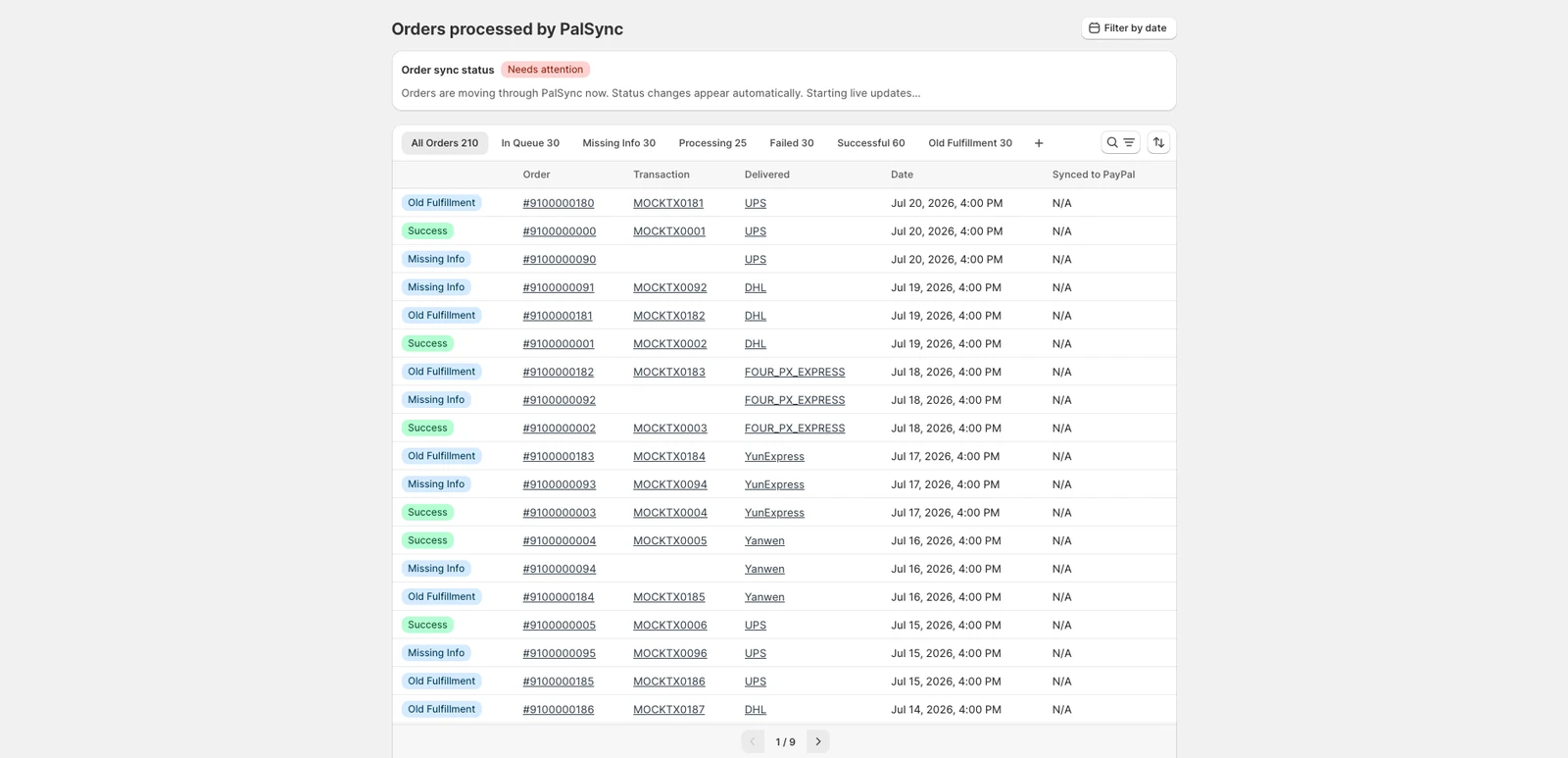
What an auditable sync record should retain
- Shopify order and fulfillment identifiers
- PayPal transaction identifier
- Tracking number and normalized carrier
- Shipment status and fulfillment time
- Sync attempt, PayPal response, and final state
Questions merchants ask next
Does Shopify always send tracking to PayPal automatically?
Do not assume the tracking record exists because an order is fulfilled in Shopify. Verify the matching PayPal transaction. PalSync is designed to perform that match, submit supported shipment data, and record the result.
Can a PayPal tracking record be updated?
PayPal documents an API operation for updating or canceling tracking information. The production PalSync workflow must preserve the old value, the change, the API response, and the resulting state.
What about partial fulfillments or multiple packages?
Each package can introduce a separate tracking record and delivery state. Support for partial fulfillments, split shipments, and multiple tracking numbers must be confirmed against the live PalSync connector before the final guide claims full coverage.
Official sources
These sources support policy and technical statements.
Merchant-language research
These discussions identify questions and operational pain; they are not policy authority.