Case tools included
Dispute response is included with an active paid plan at no extra feature fee.
Review a PayPal dispute alongside its Shopify order and shipping record. Check the buyer’s reason, assemble relevant evidence and choose the response yourself.
Delivery evidence can help answer an item-not-received complaint. A “not as described” complaint may instead need the product description, return terms and messages about the item.
Dispute response is included with an active paid plan at no extra feature fee.
Keep shipment and transaction context close to each open case.
Track status and next actions alongside fulfillment operations.
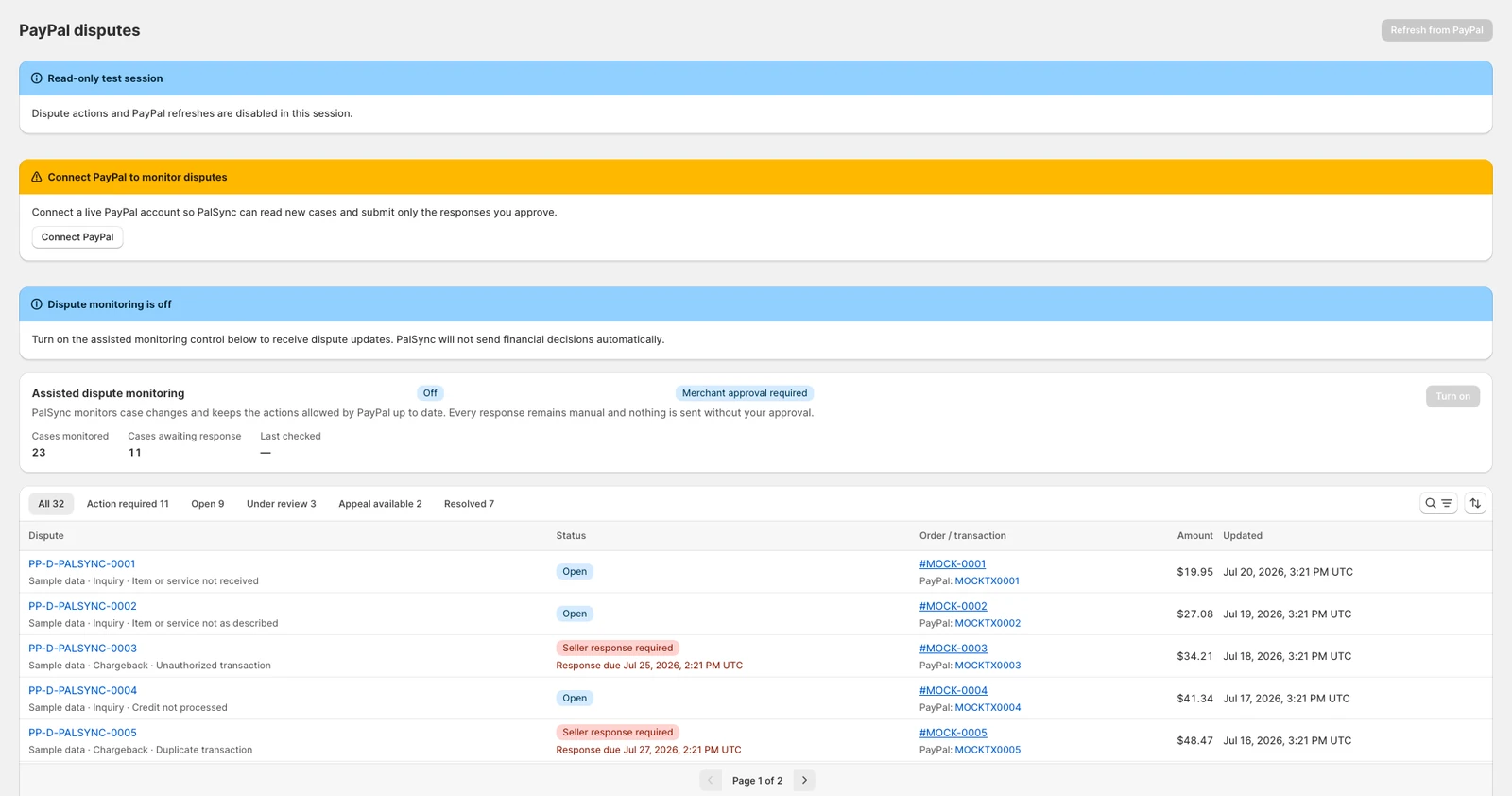
Check the case reason, current stage and deadline shown by PayPal.
Match the payment to the Shopify order before assembling evidence.
Use the requested shipping, product or refund records. Identify anything still missing.
Read the evidence and choose a supported case action. PalSync does not automatically accept liability.
Current case-response tools are included with an active paid plan at no extra feature fee. You choose the response.
Get the app from the Shopify App Store or check pricing by order volume.
Install PalSync on Shopify