
Shopify app comparison
PalSync vs 17TRACK
A tracking page for shoppers, or a record for PayPal?
Which fits your store?

Choose PalSync if…
You are choosing a tool for the merchant operating PayPal: sync tracking, find exceptions and prepare evidence when a case opens.

Look at 17TRACK if…
You want a branded, multilingual tracking destination, delivery estimates and shipping notifications for shoppers. 17TRACK also documents PayPal sync.
On PalSync, PayPal case responses are included with an active paid plan, with no separate response fee. PayPal or the card issuer decides the outcome.
Side by side
Compare the workflows.
| Merchant decision | PalSync | 17TRACK |
|---|---|---|
| Who uses it | A merchant inspects the order, carrier, payment match and, when needed, the related PayPal case. | The listing emphasizes a shopper-facing tracking page, shipping notifications and delivery estimates. |
| PayPal updates | Send Shopify tracking and carrier details to the linked PayPal payment. | 17TRACK’s own help guide describes sending the tracking number and carrier to a matching PayPal transaction. |
| When something is missing | The merchant checks order status and examines the matching payment and courier. | 17TRACK’s guide documents its PayPal sync status view and explains unmatched transaction or gateway cases. |
Before you choose
Check both sides of one delivery.
- Open the buyer-facing tracking link for a sample parcel. Look for the carrier event, language and delivery information a shopper can see.
- Separately open the matching PayPal transaction. Confirm that its tracking number and carrier match the parcel.
- Decide which view your team needs to fix first. A working tracking page does not by itself prove the PayPal record was updated.
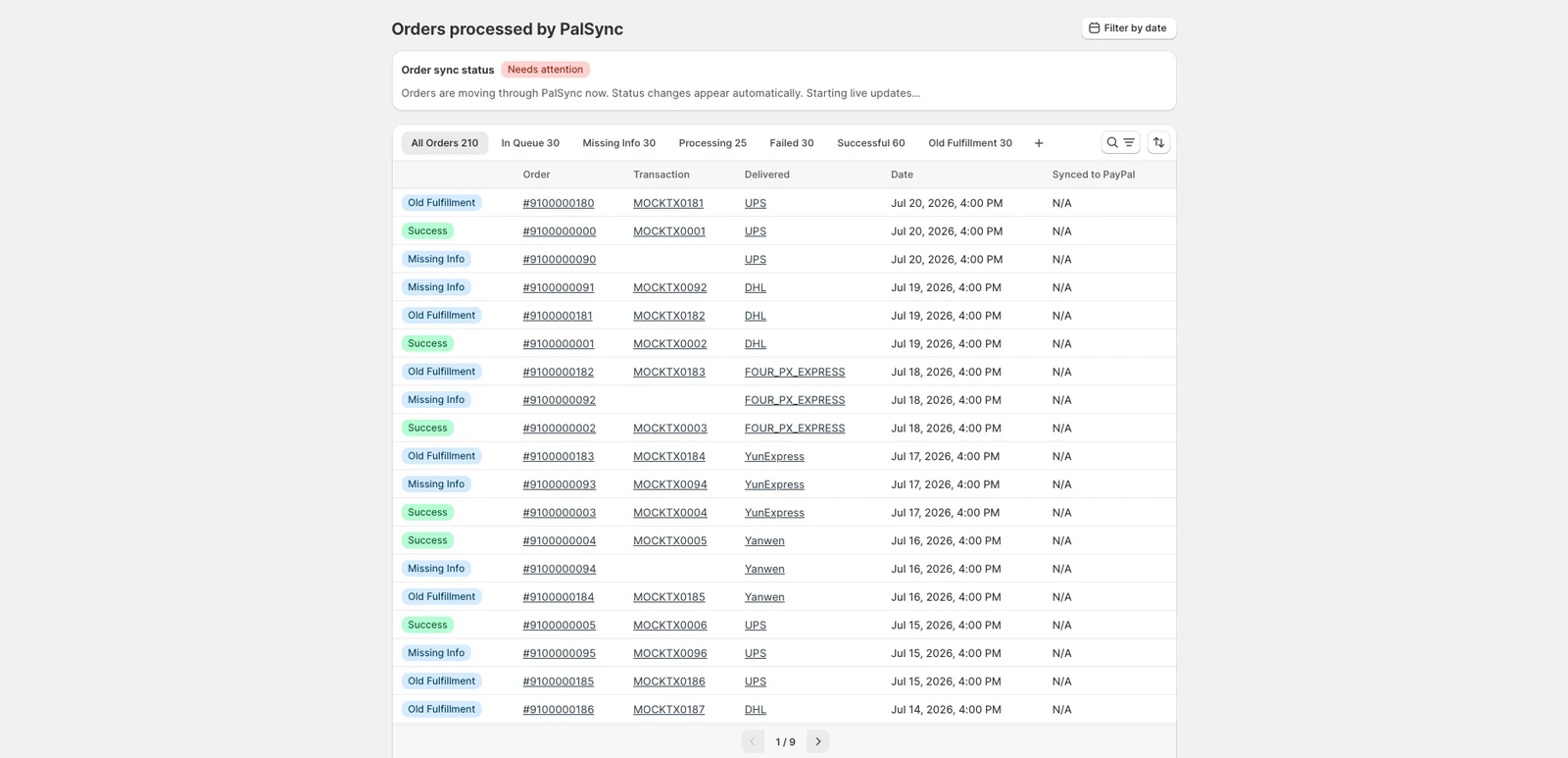
Evidence
Check the sources.
Published by PalSync. We used public product descriptions, not a head-to-head performance test. An unlisted capability isn’t a claim that a competitor lacks it.
Last checked . Check current terms before installing.
PalSync for Shopify