
Shopify app comparison
PalSync vs Synctrack
One PayPal process or several payment processors?
Which fits your store?

Choose PalSync if…
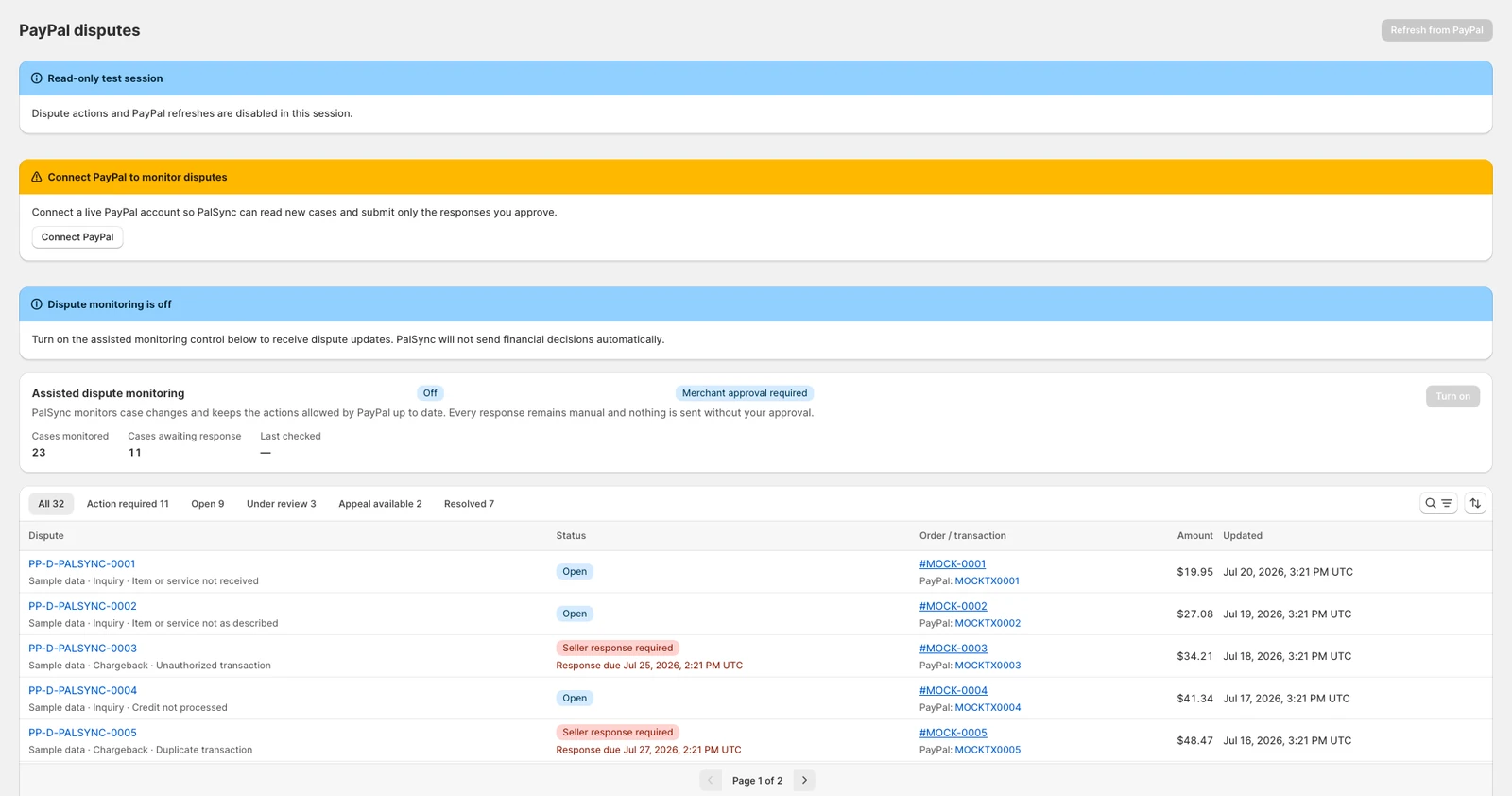
Your daily work starts with a Shopify order and its PayPal payment. You want tracking and included PayPal dispute tools with merchant-reviewed responses.

Look at Synctrack if…
You need a dispute dashboard across several processors. Synctrack lists PayPal, Stripe and Shopify Payments alongside automatic PayPal tracking.
On PalSync, PayPal case responses are included with an active paid plan, with no separate response fee. PayPal or the card issuer decides the outcome.
Side by side
Compare the workflows.
| Merchant decision | PalSync | Synctrack |
|---|---|---|
| Shipping details | Automatically sends matched Shopify tracking and carrier details to PayPal. | Lists automatic PayPal tracking, courier matching and support for digital or store-pickup orders. |
| Evidence preparation | Use order and shipment context to prepare a response for merchant review. | Lists dispute deadlines, evidence autofill and one-click submission; capabilities vary by plan. |
| Plan selection | Sync volume determines the pricing tier; PayPal dispute and claim-response tools are included. | The listing distinguishes monitoring cases from uploading evidence, responding and using autofill. |
Before you choose
Compare the entire response path.
- Choose a sample PayPal case and a second example from another processor if you use one. Keep both examples free of customer data.
- Have each vendor show where the deadline, carrier record and submission step appear, and identify the applicable plan.
- Note who must approve the response. Viewing a case is different from being able to prepare and send evidence.
Evidence
Check the sources.
Published by PalSync. We used public product descriptions, not a head-to-head performance test. An unlisted capability isn’t a claim that a competitor lacks it.
Last checked . Check current terms before installing.
PalSync for Shopify