Confirmed delivery context
Keep carrier and tracking data connected to the transaction.
If PayPal still holds a Shopify payment after delivery, check the transaction, carrier and tracking record. Learn what PalSync can fix and what PayPal decides.
The carrier’s delivery scan, the PayPal transaction’s tracking record and the notice about your balance answer three different questions. Start with the notice for the affected payment.
Keep carrier and tracking data connected to the transaction.
Identify orders whose PayPal shipment record needs attention.
PalSync supplies data; PayPal controls hold and release decisions.
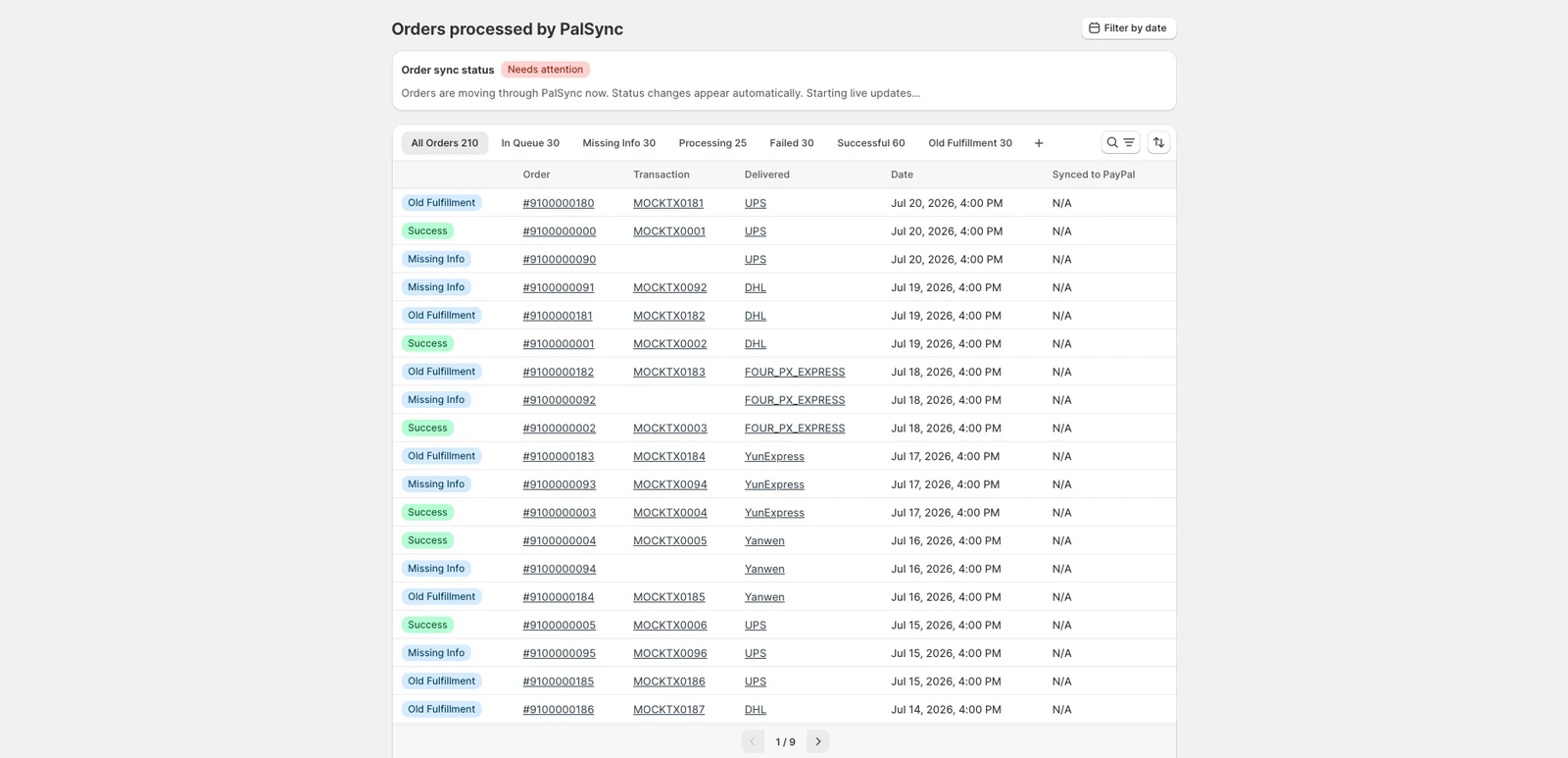
Determine whether PayPal is describing a payment hold, an account reserve, or a limitation.
Confirm the transaction belongs to the fulfilled Shopify order and the correct PayPal account.
Compare the tracking number and carrier in Shopify, the carrier’s record, and PayPal.
Correct a missing shipment record in the supported workflow. For a release decision, follow PayPal’s notice.
PalSync can sync tracking from Shopify. If you need a payment released or a reserve reviewed, PayPal controls the decision.
Get the app from the Shopify App Store or check pricing by order volume.
Install PalSync on Shopify